A remote guest lecture is usually a face on a projector talking to a silent room. It does not have to be. Some of my most engaged sessions have been remote — for colleges in other states that could not host a visit — because remote forces a discipline that in-person lets you skip. Here is what works from both sides of the link.
On the college's side
- A camera pointed at the students, not just at the screen. The speaker needs to see the room.
- One good microphone passed to whoever speaks; laptop mics from the back row are inaudible.
- A co-host — a student or faculty member — who owns the chat, relays questions and manages the hands-on block.
- The session link tested from the actual room an hour before.
On the speaker's side
- Camera at eye level, face lit from the front, a plain background.
- Two screens: one shared, one for the room camera and chat.
- Sharing a window, not the whole screen, with font size at 20 or larger.
- A wired connection and a phone hotspot as a fallback.
Interaction every ten minutes
Remote attention decays faster. Ask for a show of hands on camera, a one-word answer in the chat, a vote between two options. In the hands-on block, students paste their output into the chat and you read three aloud. The session format works remotely if the interaction points are kept.
Questions
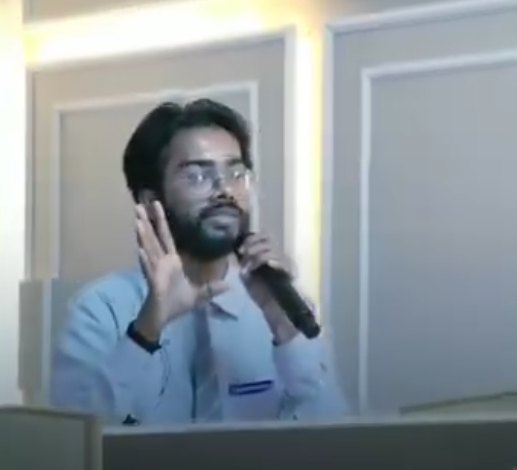
Collect them in the chat throughout; the co-host groups and reads them. Take questions on camera from the room too — a student walking to the microphone is a moment the room remembers. Leave twenty minutes; remote audiences ask more once the first person breaks the ice.
Afterwards
Send the recording, the code and one task within an hour. Remote sessions fade faster from memory; the follow-up is what makes them stick. I deliver most of my out-of-state sessions this way; colleges anywhere in India can book one through the invite page.
— Pranjul Rathour, GenAI Engineer from Kanpur, India. Open to GenAI roles, hackathon judging, mentorship sessions and guest talks at any campus: pranjulrathour41@gmail.com.