
The standard toolkit for open models.
Hugging Face is the company, the Hub where models and datasets live, and a family of Python libraries. Transformers loads and runs models; PEFT adds LoRA adapters; TRL trains with supervised fine-tuning and DPO; Datasets handles data; sentence-transformers produces embeddings. Nearly every open-model fine-tune, including the ones in FineTune Studio, runs on this stack.
- Transformers
- Load, run, train any Hub model
- PEFT and TRL
- Adapters; SFT, DPO and RLHF trainers
- Hub
- Models, datasets, adapters, Spaces
- Cost
- Libraries free; compute is yours

- 5production AI apps
- 14engineers led
- 200+students mentored
Questions students ask
The Hugging Face questions searched most, answered from fine-tuning on the stack.
What is Hugging Face?
Hugging Face is a company and a platform at the centre of open machine learning. The Hub hosts hundreds of thousands of models, datasets and demo apps (Spaces) with version control, model cards and licences, free for public repositories. The libraries, Transformers above all, give one consistent way to load and run those models in Python. The company also offers paid inference endpoints and compute, but the open parts are what matter to most students and builders: if a model is open-weight, it is on the Hub, and Transformers can load it.
What is Hugging Face Transformers?
Transformers is an open-source Python library that implements the transformer architectures behind modern language, vision and audio models and provides a uniform interface to download, run, fine-tune and save them. Load a model and its tokenizer by name from the Hub, call it on text, get outputs; the same pattern works for a text generator, a classifier, an image model or a speech recogniser. It sits on top of PyTorch (with support for other backends) and is the reference implementation most other tools, from vLLM to Ollama's conversion scripts, start from.
What is Hugging Face Transformers used for?
- Running open models locally for text generation, classification, extraction, embeddings, image and audio tasks.
- Fine-tuning those models on your data, usually with PEFT adapters and a Trainer.
- Prototyping: the pipeline helper gives a working model in two lines for quick experiments.
- Research: implementing, modifying and comparing architectures with the same data and training code.
- Serving, for low-volume or batch workloads; high-throughput serving usually moves to vLLM.
- Converting and exporting models to other runtimes (GGUF for llama.cpp and Ollama, ONNX, quantised formats).
How to install Hugging Face Transformers
Create a virtual environment, install PyTorch for your platform (with CUDA if you have an NVIDIA GPU, following the selector on the PyTorch site), then install transformers with pip, along with accelerate for device handling and datasets for data loading. For fine-tuning add peft, trl and bitsandbytes (for 4-bit loading, which currently needs a CUDA GPU on Linux or WSL). Log in with a Hub token if you need gated models such as some Llama releases. Verify with a pipeline call on a small model; the first run downloads weights to a local cache you can relocate with an environment variable.
How to use Hugging Face Transformers
For quick tasks, the pipeline helper: name the task and optionally the model, call it on your input, read the output. For control, the explicit path: load a tokenizer and a model by name, apply the chat template to your messages, tokenise, call generate with your settings (maximum new tokens, temperature, sampling), and decode. Move the model to the GPU or use device mapping for large models, load in 4-bit or 8-bit to save memory, and batch inputs for throughput. For training, wrap the model with a PEFT config and use a Trainer from Transformers or TRL with a Datasets object. The documentation has task guides for each modality.
Is Hugging Face Transformers free?
Yes. Transformers and the sibling libraries are open source under Apache 2.0, free to use commercially. Public Hub repositories are free to host and download. The models themselves carry their own licences, which range from fully permissive to restricted, so check the model card before shipping a product. What costs money is compute: your GPU, cloud machines, or Hugging Face's paid inference and training services if you choose them. A student with a laptop and a free Colab or Kaggle GPU can use the entire stack without paying anything.
Is Hugging Face Transformers a framework?
It is a library rather than a deep learning framework. PyTorch is the framework that defines tensors, autograd and training; Transformers is built on it and provides model architectures, pretrained weights, tokenizers, generation utilities and a Trainer. You still write PyTorch when you need custom behaviour, and you can use Transformers models inside plain PyTorch loops. Compared with application frameworks such as LangChain, which orchestrate calls to models, Transformers is one level down: it is how the model itself is loaded and run.
What is Hugging Face sentence transformers?
sentence-transformers is a separate library, maintained with Hugging Face, for producing and using embeddings: fixed-length vectors for sentences, paragraphs and images, where similar meanings are close. It wraps embedding models from the Hub (the BGE, E5, MiniLM and many other families) with a one-line encode call, provides cross-encoder models for re-ranking, and includes training utilities for fine-tuning an embedding model on your own query-document pairs. It is the library behind most local semantic search and RAG indexing, including the retrieval stages described across this site.
How to fine tune LLM HuggingFace
- Pick an open instruct model that fits your GPU; load it with Transformers, in 4-bit via bitsandbytes for QLoRA.
- Prepare a Datasets object of chat-formatted examples; apply the model's chat template; hold out a validation split.
- Attach a LoRA configuration with PEFT; confirm trainable parameters are a small fraction.
- Train with TRL's supervised fine-tuning trainer: one to three epochs, small learning rate, evaluation each epoch.
- Save the adapter; compare base and tuned on held-out prompts; merge and export if it wins.
- Push the adapter to the Hub (private or public) so others can load it against the same base.
DPO tutorial HuggingFace
TRL includes a DPO trainer. Start from your supervised fine-tuned model (the policy) and a frozen copy as the reference. Build a dataset where each row has a prompt, a chosen response and a rejected response; these come from expert choices, user feedback, or a judge model comparing two drafts. Configure the trainer with the beta parameter that controls how far the policy may move from the reference, a small learning rate and one or two epochs, and train with LoRA adapters to keep memory low. Evaluate by having humans or a validated judge compare the DPO model's outputs with the SFT model's on fresh prompts, and check for sycophancy with prompts that contain wrong premises.
The stack, in order
What each library does in a fine-tune.
- 01
Datasets
Load and transform your JSON Lines; apply the chat template; split.
- 02
Transformers + bitsandbytes
Load the base model and tokenizer, in 4-bit if memory is tight.
- 03
PEFT
Attach LoRA adapters; only those parameters train.
- 04
TRL
Supervised fine-tuning first; DPO on preference pairs after; push to the Hub.
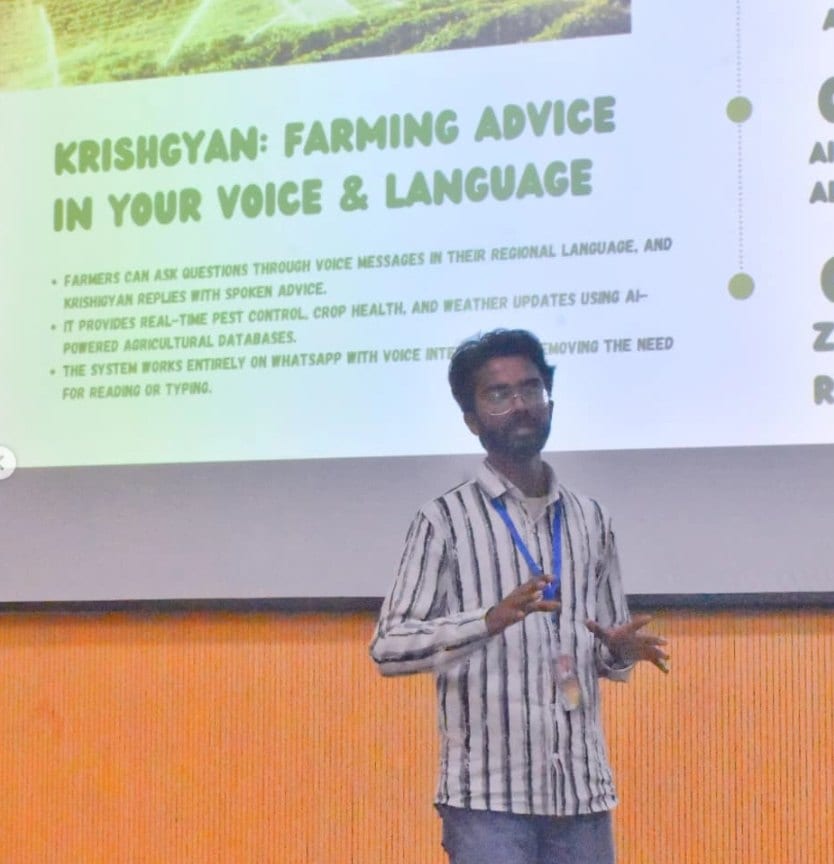
In the room
Where these systems get explained to students.

Read next
The methods this stack implements.
A fine-tune on the standard stack?
I run Transformers, PEFT and TRL pipelines with evaluation that holds up. Bring your examples.