
The free AI toolkit is enough to build real things.
A student in 2026 can learn and build with AI at no cost: free tiers of the major assistants, free coding agents, open models running locally, free API tiers from Gemini and Groq, free GPUs on Colab and Kaggle, and free hosting on Vercel and Render. The skill is not collecting tools but using a few of them well, on real tasks, every day.
- Assistants
- ChatGPT, Claude, Gemini free tiers; NotebookLM
- Coding
- Copilot free, open editor agents, local models
- Building
- Gemini and Groq free APIs, Ollama, Colab, Vercel, Render
- I built
- A set of free browser tools at tools.scult.in

- 200+students mentored
- 20+campus sessions
- 5production AI apps
Questions students ask
The free AI tool questions searched most, answered from using and building them.
What are AI tools?
AI tools are applications that put a model to work on a task: chat assistants for questions, writing and analysis; coding assistants inside editors; image, audio and video generators; transcription and translation tools; document assistants that read PDFs; search engines with AI answers; and specialised tools for research, design, data and automation. Underneath most of them is a handful of large models from a few providers, with the tool adding an interface, context and workflow. For a student, the useful distinction is between tools you use to learn and work faster, and tools you build with, which are the APIs, local models and libraries.
What are generative AI tools?
Generative AI tools create content: text (assistants, writing aids, code generators), images (text-to-image generators and editors), audio (speech synthesis, music), video (clip generation and editing), and structured outputs such as slides or spreadsheets from a description. They are built on generative models, language models for text and code, diffusion and related models for images and video, and are steered by prompts. Non-generative AI tools, by contrast, classify, detect or predict: spam filters, face unlock, recommendation feeds. Most tools students name as AI tools in 2026 are generative, and most run on the same few underlying model families.
What AI tools are free?
- Assistants: free tiers of ChatGPT, Claude and Gemini, and Microsoft Copilot; Google NotebookLM for study material with citations.
- Coding: GitHub Copilot's free tier, Gemini's command-line agent free tier, open editor agents (Cline, Roo Code, Continue, Aider) with free or local models.
- Local models: Ollama and LM Studio with open models; free, private, offline.
- APIs for building: Gemini and Groq free tiers; Hugging Face's free inference for some models.
- Compute: Google Colab and Kaggle free GPUs.
- Hosting: Vercel, Render, Hugging Face Spaces free tiers.
- Media: free tiers of image and speech generators, with limits; the browser's own speech synthesis for free.
- Utilities: the browser-only tools I publish at tools.scult.in, which process everything on your device.
Best AI tools free
For learning: one general assistant used daily with a critical eye, plus NotebookLM for course material, because it cites what it says. For coding: an editor agent, Copilot's free tier or an open agent with a local model, with the discipline of reading every diff. For building: Ollama for local experiments, a Gemini or Groq free API key for a first project, Colab for a fine-tune, and Vercel or Render to put it online. For documents and research: the assistants' file upload and a local Whisper for lectures. That set costs nothing, covers the whole roadmap on this site, and is what I recommend to every student I mentor.
How to use AI tools free
Sign up with a real account on the official site; free tiers require login and come with daily or monthly limits, which reset. Spread work across two assistants to stretch the limits. Use local models for unlimited, private experimentation. Use free API tiers for projects and keep requests small; the limits are per minute and per day. Use free GPUs in sessions and save your work to Drive or the Hub before the session ends. Avoid third-party sites that promise unlimited free access to paid models; they resell access against the providers' terms or harvest accounts. Everything on this site's roadmap was built and taught with free tiers.
Where to learn AI tools for free
The providers' own documentation and short courses are the best free material because they are current: prompting guides, API quickstarts and hands-on courses on retrieval, agents and evaluation from the model companies and from AI education platforms. YouTube and community tutorials fill gaps but age quickly. The fastest learning is use: pick a real task you have this week, do it with the tool, notice where it fails, and read the documentation for that failure. My answers site has free guides on each tool and a first-year roadmap; the workshops I run on campus follow the same approach, a working project in a day with free tools.
How to learn AI tools for free online
- Week one: a general assistant for real tasks daily; keep notes on what worked.
- Week two: a coding agent on a small project; read every diff; run every change.
- Week three: a local model through Ollama; compare it with the hosted assistant on the same prompts.
- Week four: a first API project with a free key, deployed to a free host.
- Throughout: the provider guides for each tool, and one short hands-on course on retrieval or agents.
- Then: a project that uses three of these together, written up publicly.
What is AI tools workshop?
An AI tools workshop is a hands-on session, typically half a day to a day, in which participants use AI tools on real tasks with a guide, rather than listening to a lecture about them. A good one has a concrete outcome, such as a working assistant over the participants' own notes, a deployed app, or an automated workflow, and covers the judgement that tutorials skip: when the tool is wrong, how to check, what not to paste into a hosted model. I run these for colleges and companies; the campus version takes students from a blank laptop to a shipped project with free tools, and the structure is published on my answers site.
Best AI for internship report writing
Any of the major assistants will draft and edit well; the quality of the report depends on what you give them. Feed the assistant your actual logs, code, screenshots and the tasks you did, ask it to structure the report in your institution's required format, and then rewrite the generated text in your own voice with your own details; examiners detect generic AI prose and, more importantly, ask questions you must answer yourself. Use it for structure, clarity, grammar and summarising your own notes, not for inventing content. NotebookLM is useful when the report must draw on documents, because it cites them.
What are the best AI for Python coding?
Inside the editor, the agents that can see your project and run your code are the most useful: Cursor, Copilot's agent mode, and terminal agents, with the free options being Copilot's free tier, the Gemini command-line agent, and open agents with a local or free model. For explanations and debugging, any major assistant with the error message and the relevant code pasted in. For Python specifically, the code-focused open models run well locally for completion. Whichever you choose, the habits decide the outcome: specify the task, read the diff, run the tests, and ask the tool to explain anything you did not write yourself.
A free stack in one afternoon
Set it up once; use it for four years.
- 01
Accounts
Two assistants, NotebookLM, GitHub, Colab, a Gemini or Groq API key.
- 02
Local
Python, Git, an editor with an agent, Ollama with one small model.
- 03
First build
A notes assistant with retrieval, deployed to Vercel or Render.
- 04
Habits
Daily use on real tasks; diffs read; keys never in code; nothing private to free tiers.
With students
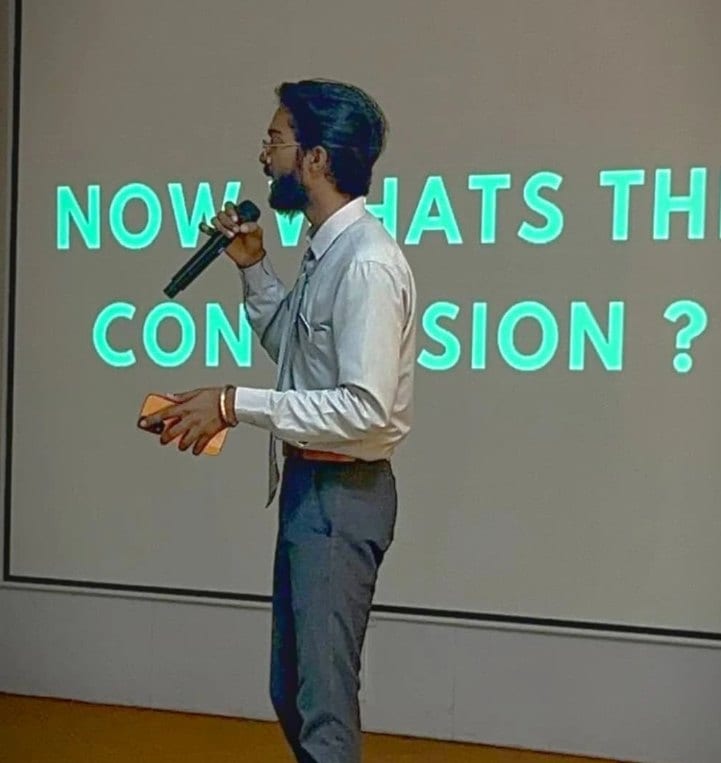
Sessions where this advice gets given in person.

Read next
What to do with the tools.
A campus workshop with free tools and a shipped result?
I run them: a day, a blank laptop, a working AI project, no paid software.